

Spreedly Billing Portal
The new Spreedly Billing Portal for Month-to-Month Customers
Important: The new Spreedly Billing Portal in the Spreedly app is currently available only to customers on month-to-month contracts (also called Evergreen customers).
If you are on a termed contract, you do not currently have access to the new Spreedly Billing Portal. Depending on your account, your billing will continue in one of the following ways:
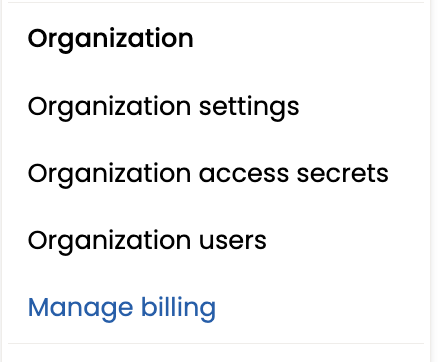
- If Manage billing takes you to Maxio, continue managing your billing and payment method through the Maxio Billing Portal.
- If your account does not use Maxio, continue paying invoices using your existing payment method, such as manual wire transfer or ACH. Wire payment details can be found in the Payment section of your contract.
For month-to-month customers, selecting Manage billing will open the new Spreedly Billing Portal. To access it, your user role must be Administrator, Billing Manager, or Billing Analyst.
The instructions and screenshots below apply only to customers using the new Spreedly Billing Portal.
Accessing the Billing Portal

Usages
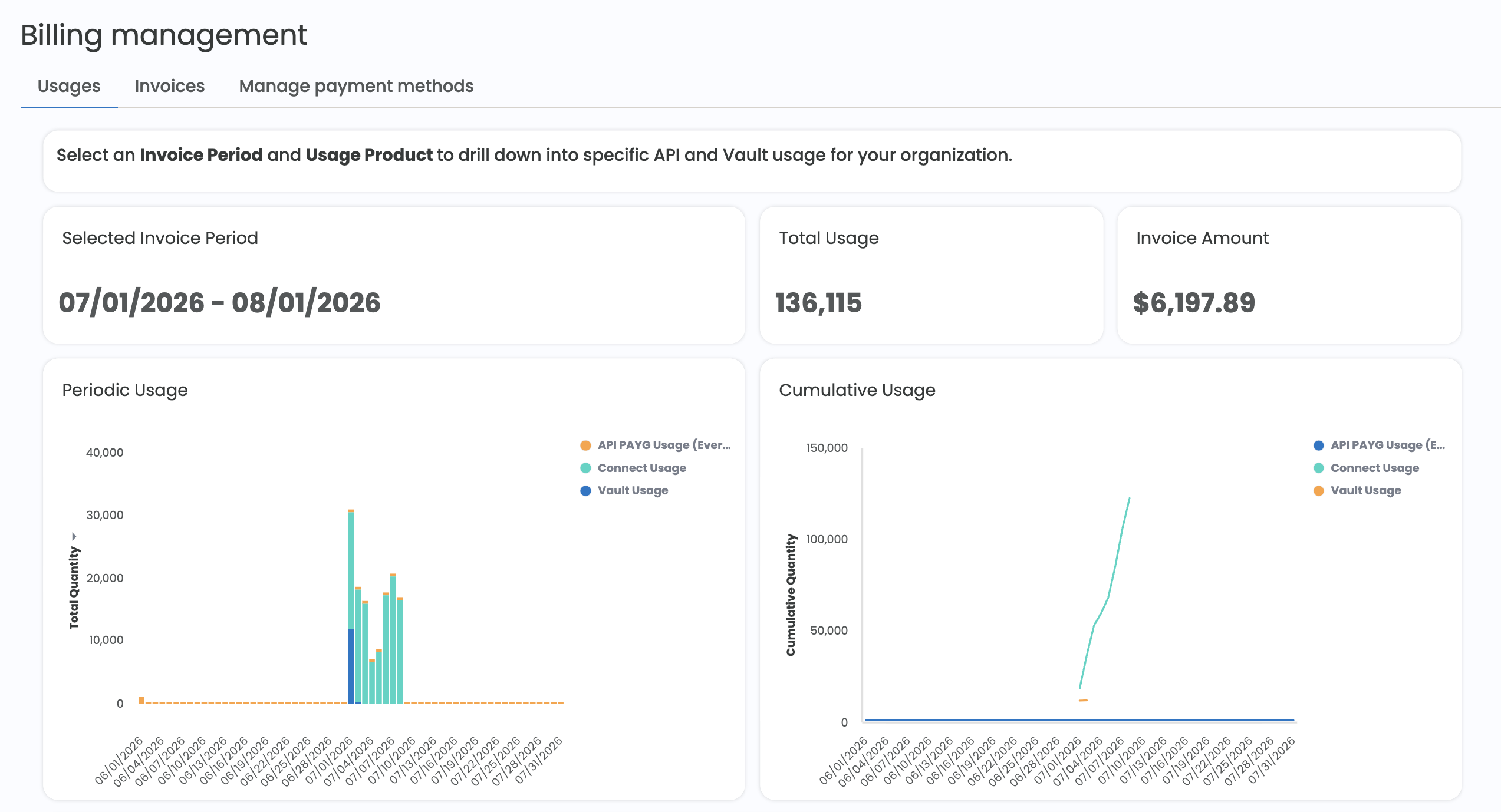
The first tab in the Billing Management Portal contains an embedded usage report for the Organization. The default shows the Current Invoice Period and all applicable usage products and displays the total Invoice Amount, Total API Usage, Periodic Usage by date and product, and Cumulative Usage by date and product.
Usage data for the current invoice period is updated daily and remains provisional until the period concludes. For financial reconciliation, always refer to your official monthly invoice as the final source of truth.
Administrator, Billing Manager, and Billing Analyst roles all have access to this page view.
Invoices
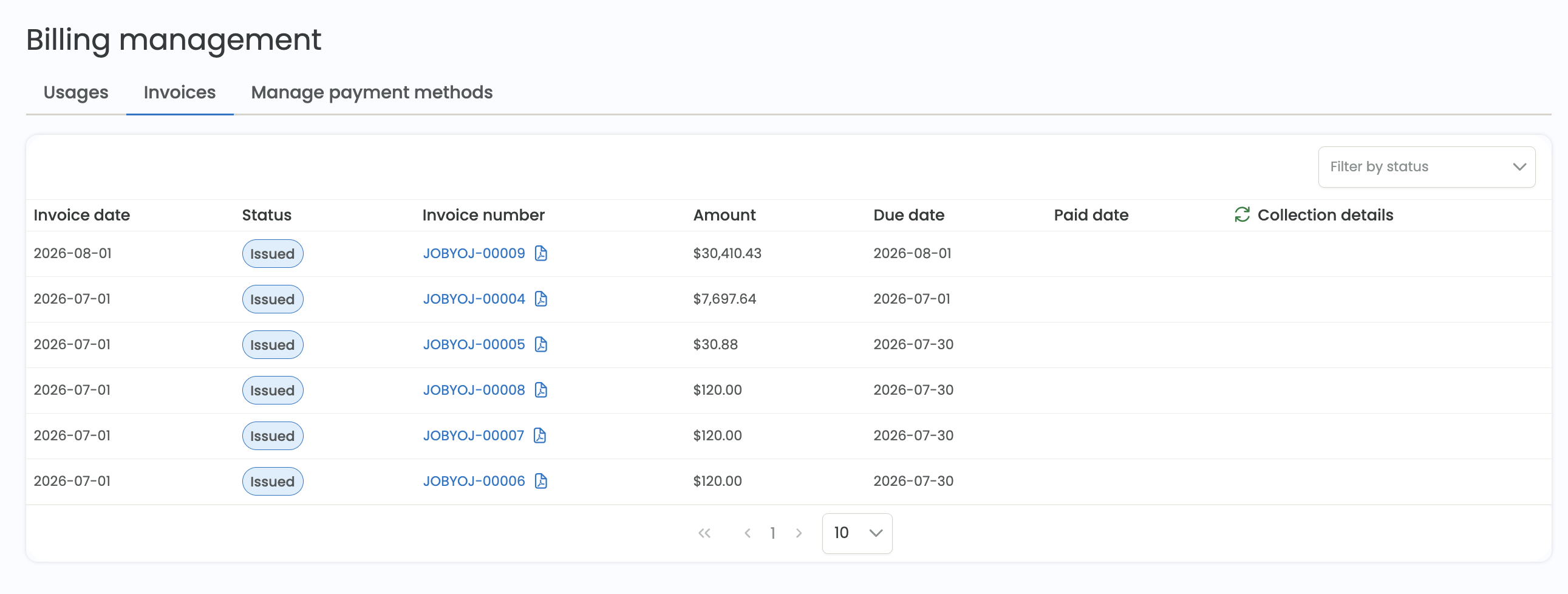
Invoices can be found in the Invoices tab. The table shows each invoice’s status, amount, due date, paid date, and collection details.
Status reflects the current invoice status, such as Issued or Paid. Collection details provides additional information about payment activity. If a payment attempt fails, the invoice remains Issued and the collection details will indicate that the payment failed and that the payment method should be updated.
You can filter invoices by status and download an invoice by clicking its invoice number. This will automatically open or download the invoice depending on your browser settings (you may need to disable pop-ups for this page to download).
Administrator, Billing Manager, and Billing Analyst roles all have access to this page view.
You will not see your current invoice for the month until it has been issued, so while you can see the usage data in the Usage report, there may not be a corresponding invoice in this list until the invoice date.
Note: Only invoices issued on or after July 1, 2026 are available in the Invoices page. For historical invoices issued before this date, please reach out to your Account Manager or contact [email protected] and we'll be happy to assist.
Manage payment methods
Users with the Administrator or Billing Manager role have the ability to manage the payment methods associated with their billing.
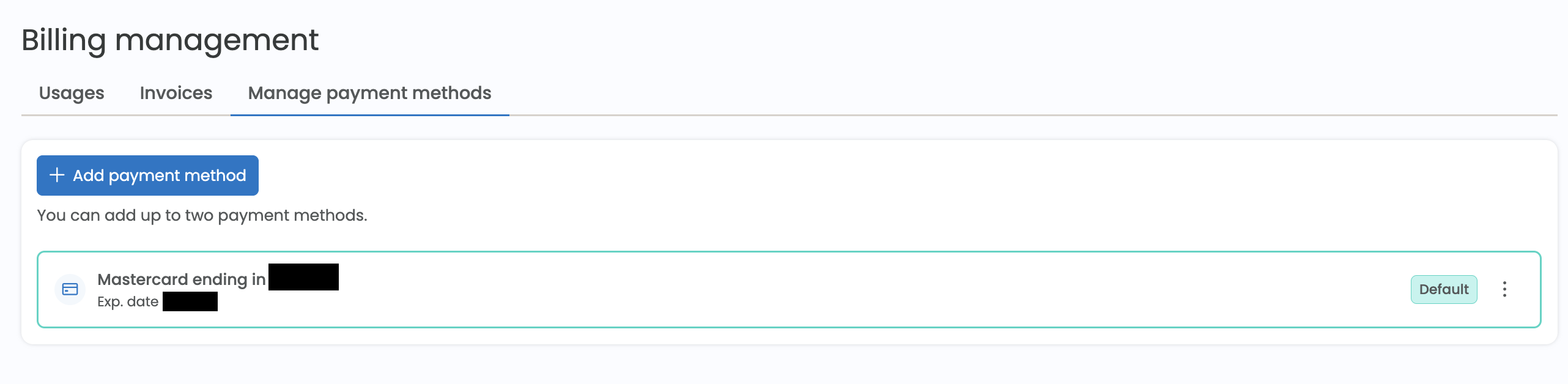
Only two payment methods are permitted by the application. Payment methods can be removed, but there must be a default payment method specified.
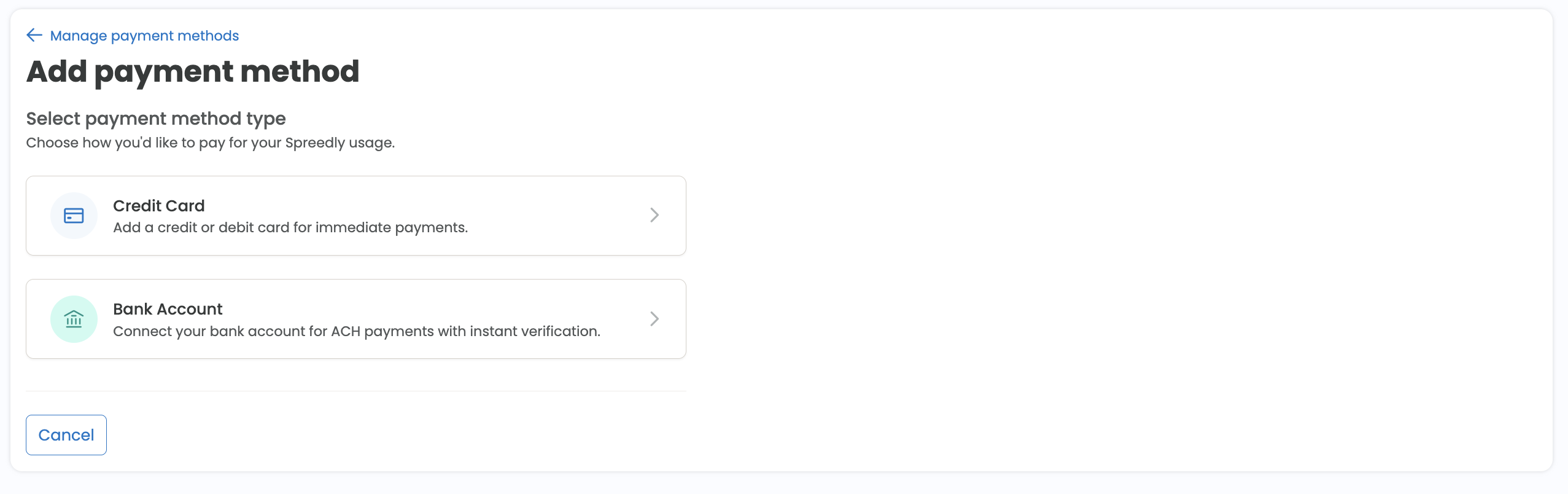
The billing portal currently supports adding either a credit card or bank account
Updated about 1 month ago